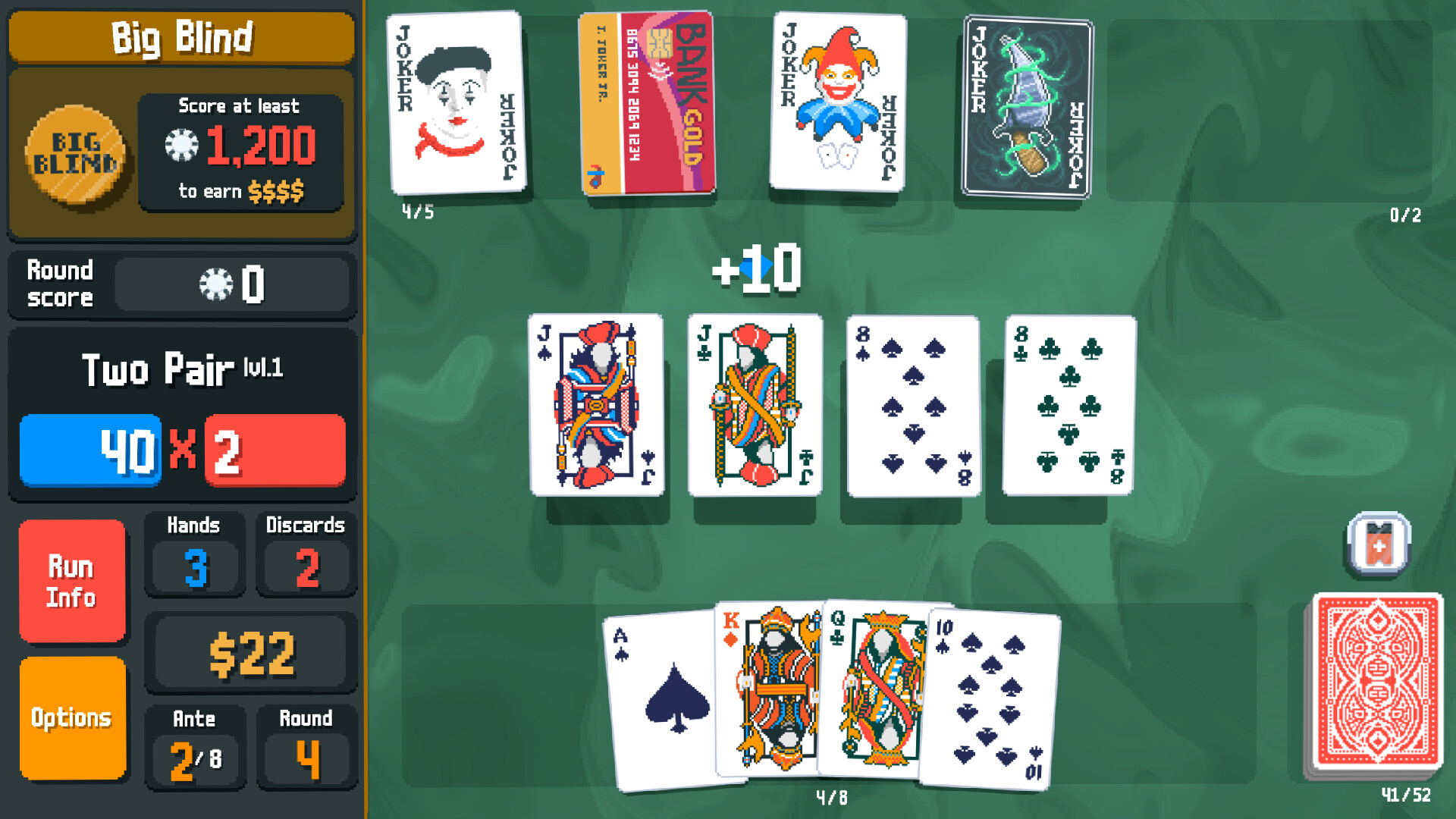
Test pause while something is happening
A pause menu is not proof that the game stops. Open it during movement, combat, a timer, or another ordinary activity and watch the background. The game is truly paused when enemies, clocks, animations, and failure conditions stop until you return.
Microsoft's Xbox Accessibility Guideline 108 recommends that single-player, local multiplayer, and local split-screen games can be paused during both active play and cinematics, apart from saving and loading screens. Real-time online play is different because stopping the shared session would affect other players.
Sources: Xbox Accessibility Guideline 108: Game difficulty options
Separate pausing from stopping safely
Pause protects the current moment while the game remains open. Saving protects progress when you close it, switch devices, lose power, or come back another day. A game can pause perfectly but still require a long stretch of play before it records a useful checkpoint.
Find out whether you can save manually, how often automatic saves occur, and where a loaded save returns you. A checkpoint at the start of a long mission is less interruption-friendly than one that restores the exact room, encounter, or decision you reached.
Use documented examples without overclaiming
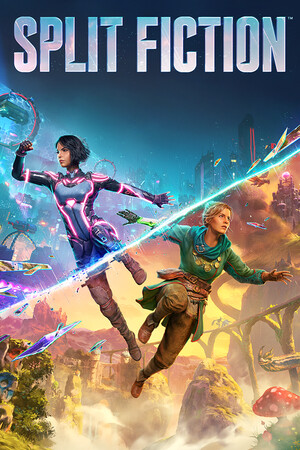
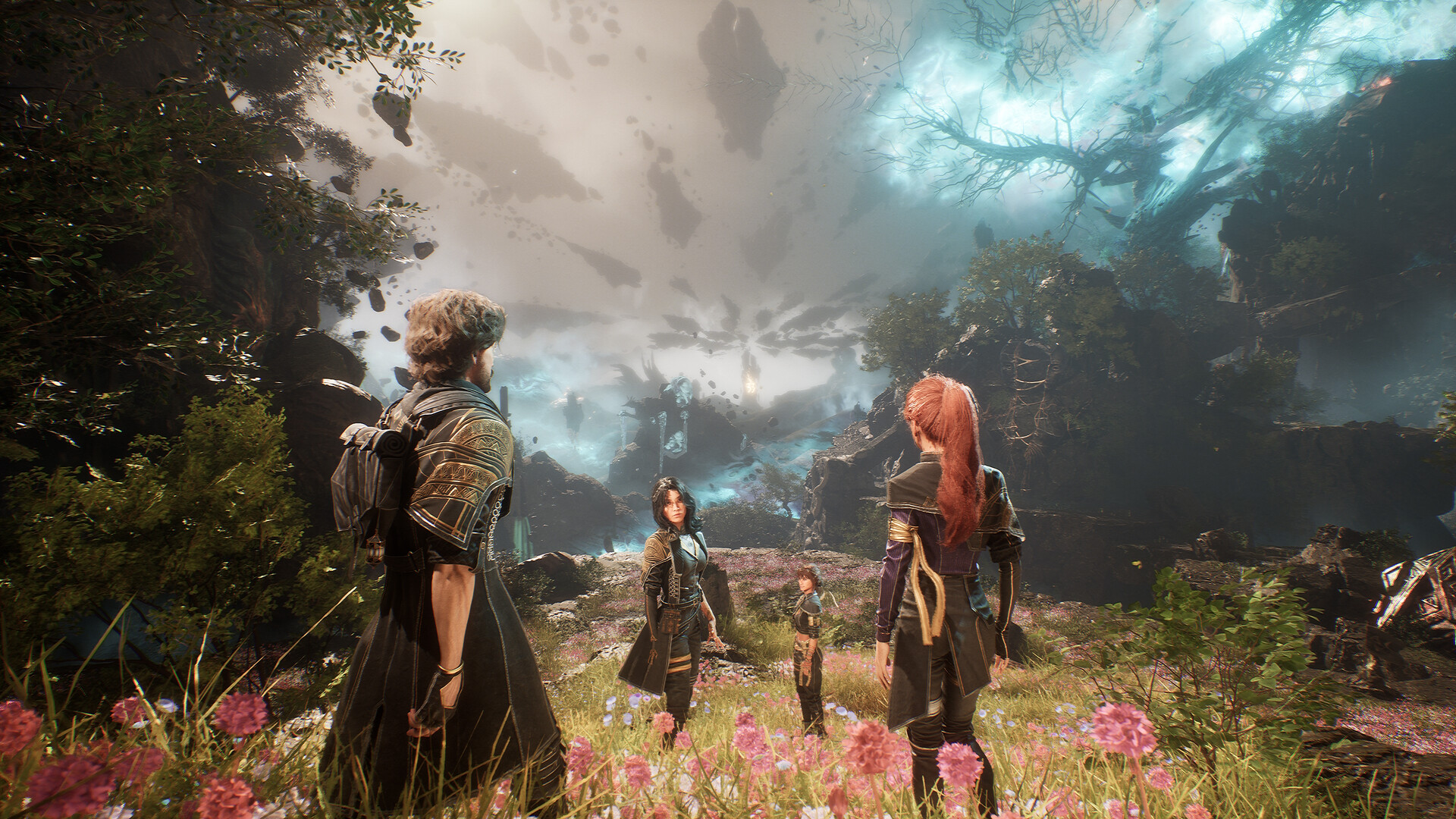
EA's current Split Fiction accessibility page says the game can be paused during gameplay and cutscenes. It separately documents an option to skip to the next checkpoint. This is useful evidence for stopping immediately and getting past a section, but it does not state where a quit-and-reload returns you. Treat that as a separate question to verify in the current version and the mode you will use.
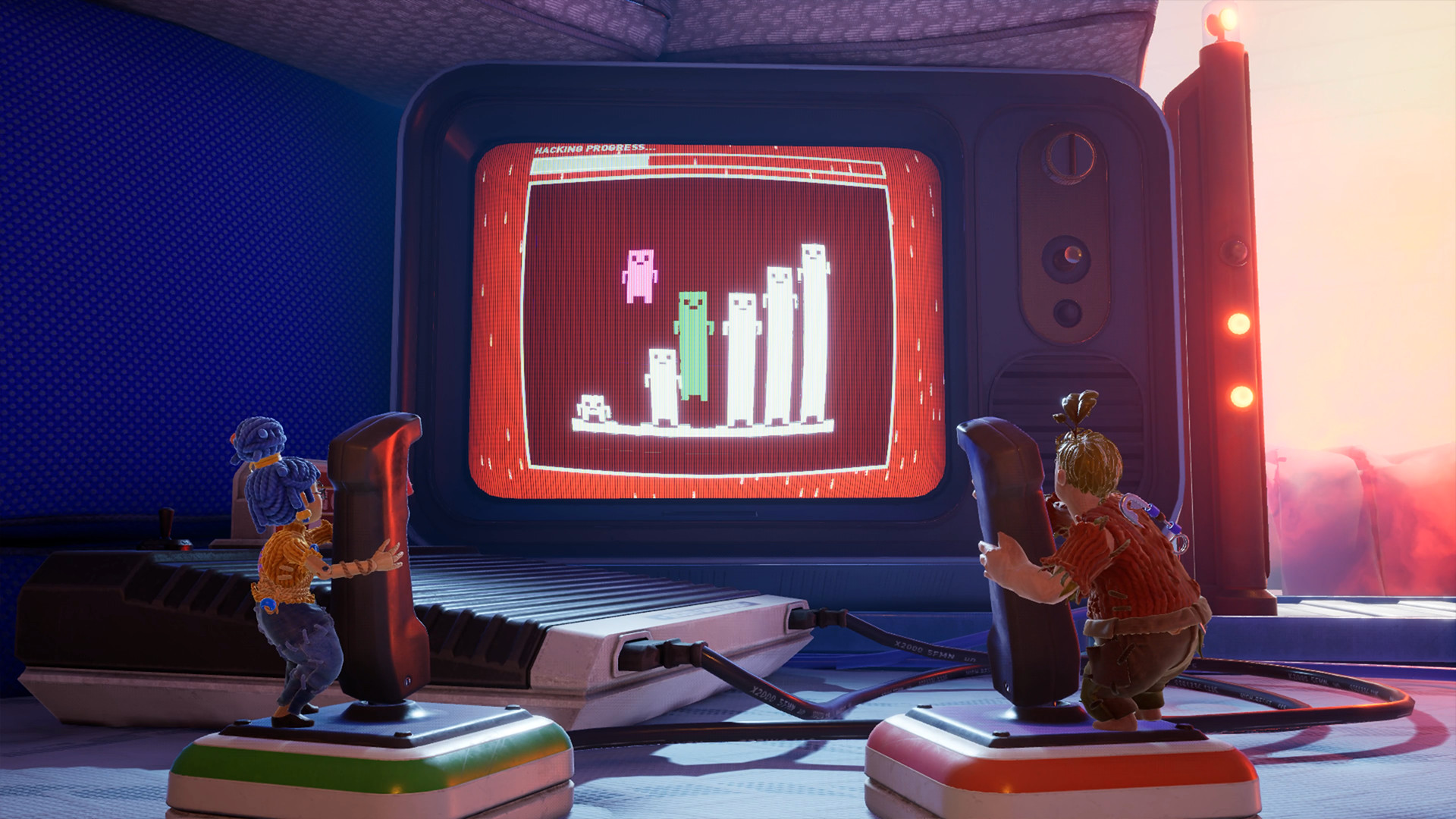
EA's It Takes Two Friend's Pass FAQ answers a different return question. The owner can continue from the previous session's save or choose an unlocked chapter, and a guest who later buys the game can carry saved progress forward. That documents a continuing structure; it does not establish that every scene pauses or that quitting at any instant preserves the exact spot.
The lesson is not that one game is universally safer. Split Fiction supplies first-party pause evidence; It Takes Two supplies first-party continuation evidence. Read claims at that level of precision, then use the previews below to decide whether the ordinary play fits your evening.
Sources: EA accessibility: Split Fiction pausing and checkpoint options · EA: It Takes Two Friend's Pass saves, continuation and chapter selection
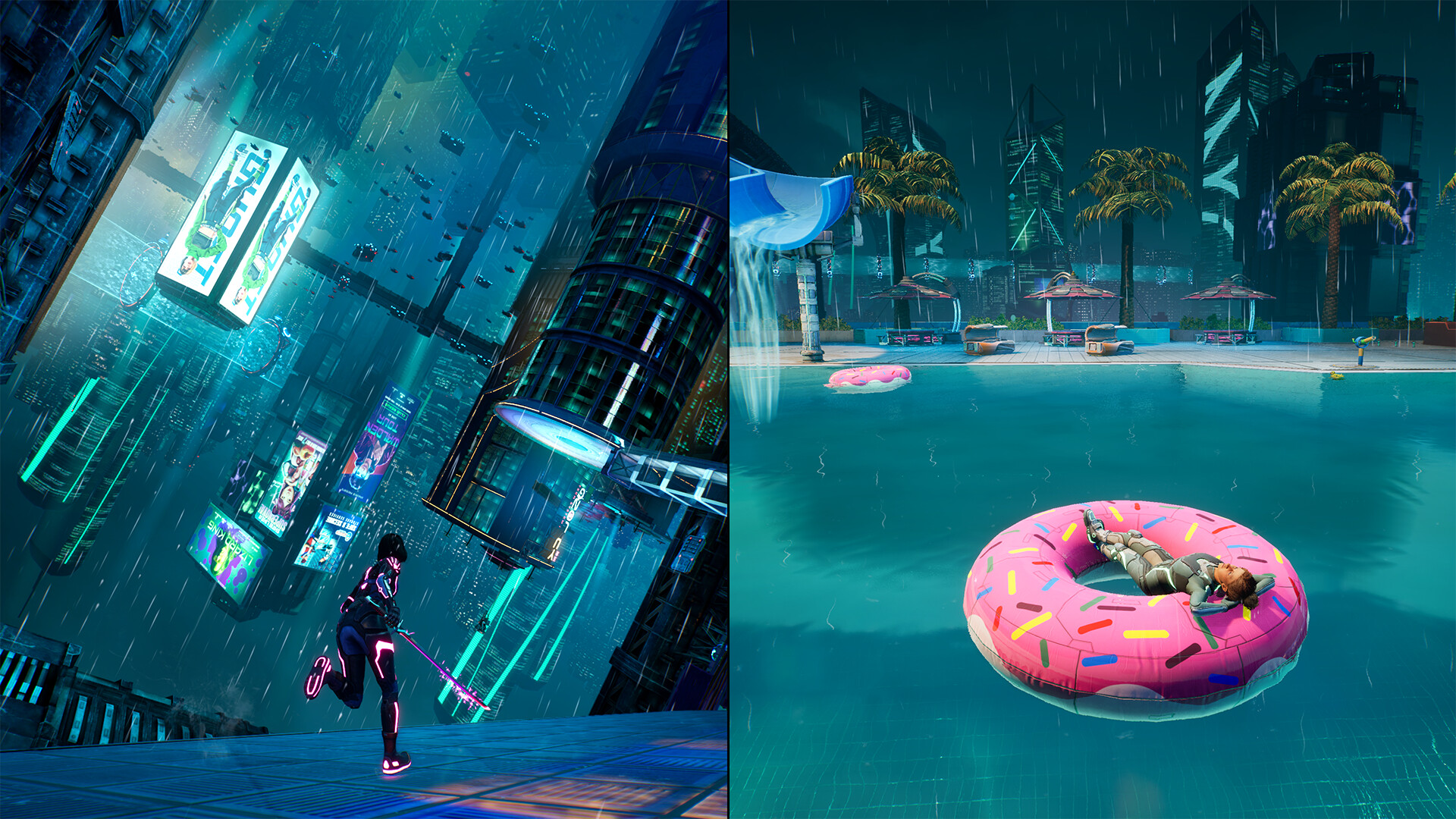 Split Fiction
Split Fiction divides the view between two players. EA documents pausing during gameplay and cutscenes; this official scene illustrates the game, not the setting itself.
Official screenshots: Split FictionLook for clear save evidence
Do not rely on a spinning icon you saw once during the introduction. Watch an ordinary stretch of play and note what triggers a save: entering an area, finishing a task, resting, using a save point, or choosing Save from a menu. Then confirm that the load screen shows a recent time or location.
Microsoft's accessibility feature criteria distinguish manual saves from automatic saves and recommend that manual saves return the player to the same point rather than merely the start of a level. These are strong signals for people whose sessions can end suddenly.
- The game confirms when progress has been saved.
- Manual saves remain separate from rotating automatic saves.
- The latest checkpoint is reached frequently during normal play.
- The quit screen warns how much progress may be lost.
- Loading restores a useful position, objective, and game state.
Sources: Microsoft Accessibility Feature Tags: manual saving and pausing
Do not mistake cloud sync for a save system
Valve describes Steam Auto-Cloud as synchronizing configured groups of files when an application launches and exits. In other words, Steam Cloud can copy a save file the game produced; it does not decide what progress belongs in that file. A store page listing Steam Cloud is therefore useful for continuity between PCs, but not proof of save-anywhere behavior.
Cross-platform continuity is another separate claim. Valve's developer documentation notes that files can be partitioned by operating system unless the game's cloud paths are configured for cross-platform saves. Before switching between Windows, Linux or Steam Deck, verify the specific game's current support and let synchronization finish. Keep the local save until the second device has loaded the expected progress.
Sources: Valve Steamworks: what Steam Cloud synchronizes and when
Check cutscenes, dialogue, and timed prompts
Interruptions do not wait for gameplay to resume. Test whether cutscenes pause, whether dialogue can be advanced manually, and whether important text stays visible long enough to read after you return. Skipping a scene is not the same as pausing it if you want to keep the story.
Xbox Accessibility Guideline 116 recommends giving players control over non-gameplay time limits, including important tutorials, dialogue text, and other interface messages. A dialogue history, objective log, or replayable scene also makes an interruption easier to recover from.
Check the exact mode you plan to play
Campaign, local co-op, and online modes can behave differently inside the same game. A solo campaign may freeze instantly, while an online world continues when the menu is open. A private session can still be connected to a live server and therefore remain unpausable.
For local co-op, confirm that one player can pause for the whole screen and that everyone returns together. For online play, look instead for short activities, safe areas, graceful reconnection, and an exit that does not penalize teammates.
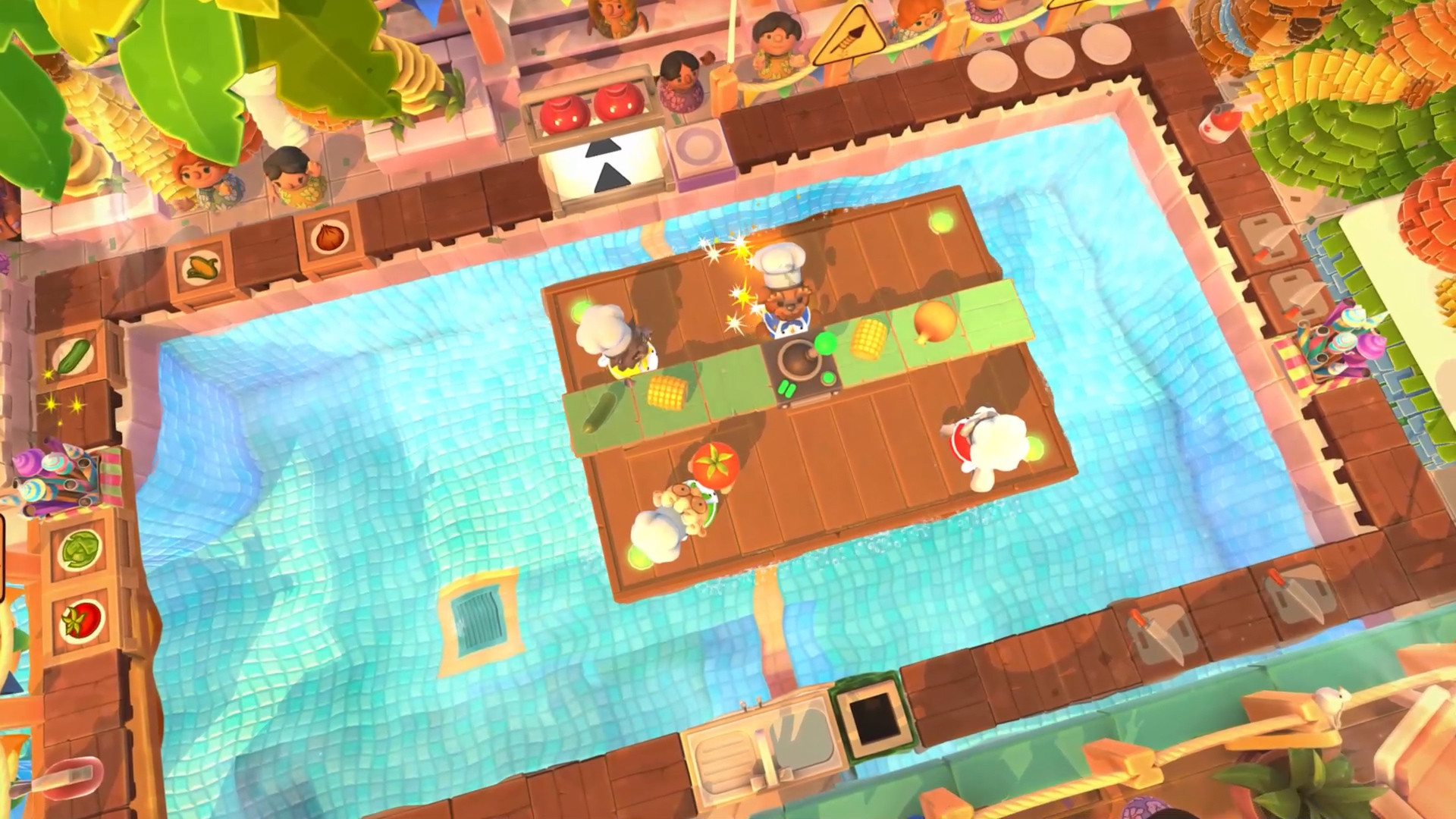 Overcooked! 2
A shared kitchen is a different interruption problem from a solo hand of cards. Test the actual local or online multiplayer mode you will use.
Official screenshots: Overcooked! 2Run a five-minute interruption test
Start a representative activity, pause while the game is active, and leave it for two minutes. Return, find the latest save information, close the session through the normal menu, and reload it. Note how much time or progress disappeared and whether the objective is still clear. Do not pull the power or deliberately corrupt a save to run this check.
Keep the game on tonight's shortlist if pausing is reliable and the reload cost fits the interruptions you expect. If the answer depends on finishing a long mission first, save that game for a protected evening and choose a more interruption-friendly option now.