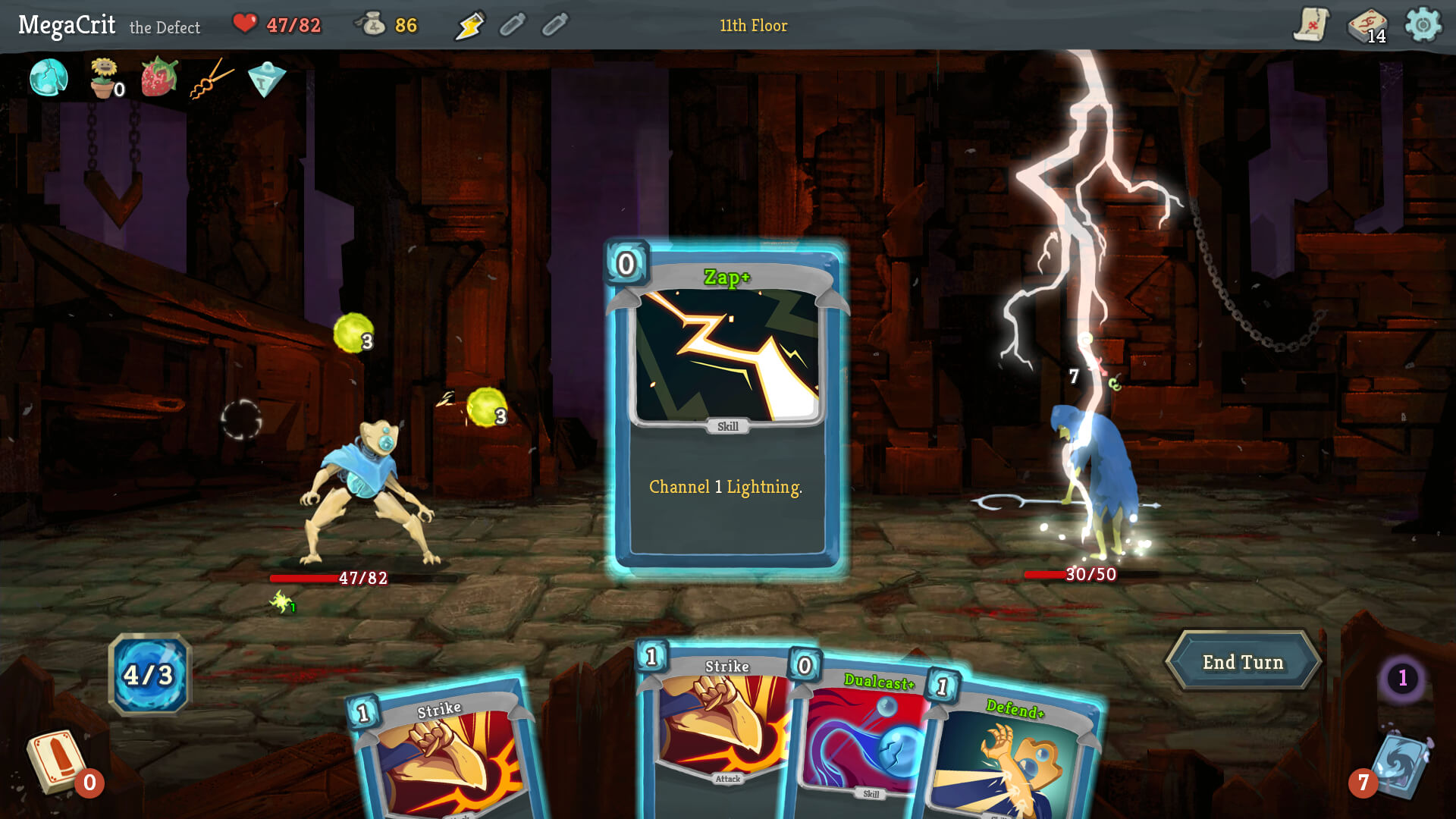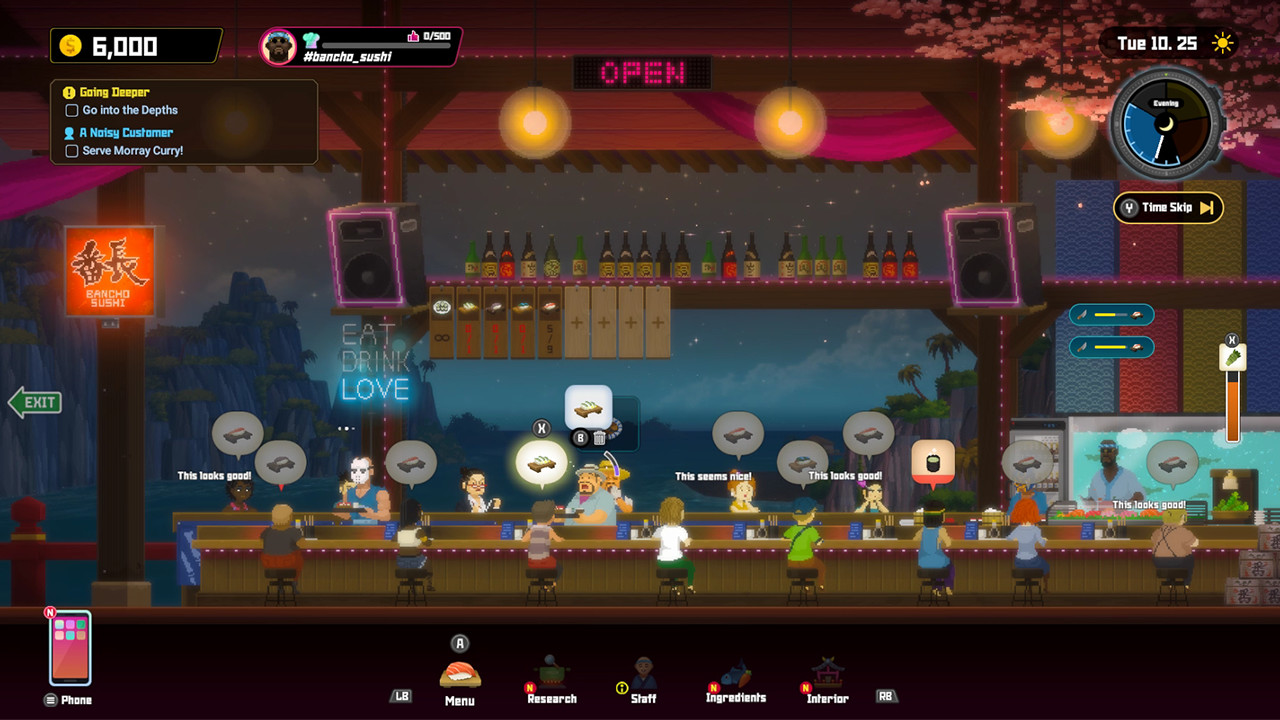
Test the repeated play, not a cutscene
Choose footage or a section that shows what you will do most often: exploring, fighting, solving puzzles, managing a team, or completing a round. Mute it completely and watch for several minutes with the interface visible. A cinematic with subtitles can pass while the actual game still depends on footsteps, warning tones, rhythm, or spoken instructions.
Ask whether you can tell when the objective changes, an action succeeds, danger approaches, a resource runs low, or another character needs attention. If you have to infer those events only from the player’s reaction, the game is probably relying on sound you cannot replace.
Distinguish subtitles from captions
Subtitles usually reproduce speech. Captions also describe important non-speech audio such as footsteps, doors, alarms, music changes, or activity outside the frame. Microsoft’s Xbox accessibility guidance recommends captions for sounds that are not already communicated visually, including a direction indicator when the source is off-screen.
Check whether the game identifies speakers, covers background dialogue, and lets you enable captions before the opening sequence. For sofa play, confirm that text size, contrast, background opacity, and placement remain readable from your normal seat.
Look for a second channel for every important cue
Important information should not exist in sound alone. A gunshot might also produce a directional marker; an incoming attack might flash on screen or trigger controller feedback; a completed action might change an icon or animation. Microsoft describes this as presenting key cues through more than one sensory method.
- Threats: visible direction, damage, detection, or timing indicators.
- Objectives: readable updates that remain available after the alert disappears.
- Interactions: clear visual confirmation for success, failure, cooldowns, and unavailable actions.
- Dialogue: complete text for main speech, background speech, and radio communication that matters.
- Puzzles and rhythm: a visual or haptic alternative for cues that would otherwise be heard only.
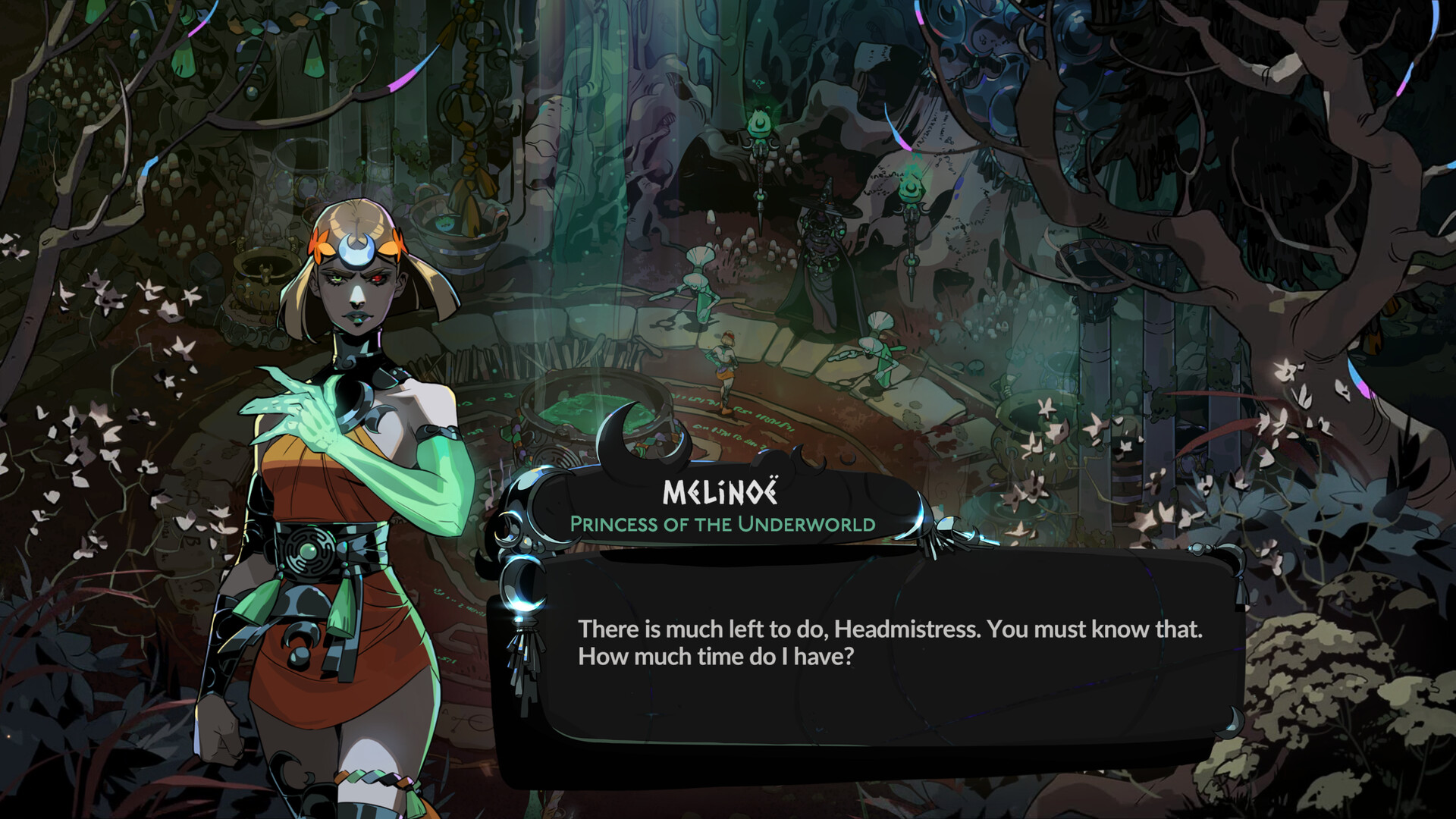 Hades II
The dialogue panel in Hades II offers a visible channel for spoken words. Check the current caption settings and the cues used during combat, too.
Official screenshots: Hades IIUse separate volume controls for quiet play
A late-night session does not always need total silence. Separate sliders for music, dialogue, effects, ambience, narration, and voice chat let you keep the one channel you need at a low level. A single master-volume control gives you less room to reduce noise without losing useful information.
Decide which sound is actually disruptive. Muting music and loud effects while retaining quiet dialogue can be more comfortable than reading every line, while captions and visual alerts remain a backup for anything you miss.
Check the mode you will actually play
A story campaign, competitive match, and cooperative mode can use different information. Voice chat may be optional in one mode and central in another. A game that is readable alone might become difficult when teammates communicate plans only by voice or when online play removes the ability to pause.
Inspect the accessibility and audio settings for the specific mode, then preview a complete round or ordinary mission. Do not assume that captions shown in a trailer cover live dialogue, user communication, or every gameplay cue.
Use a five-minute quiet-session check
Turn on the strongest subtitle, caption, and visual-alert options, mute the game, and play for five minutes. Continue if you can follow the objective, understand feedback, notice danger, and stop safely without guessing. If one critical event remains unclear, test whether a low-volume channel or controller cue solves it.
Choose another game when essential information remains audio-only. The point is not to prove that a favorite can be played silently; it is to find the game that fits tonight’s room without constant compromise.